A 2 vCPU / 2 GB cloud VM is an entry virtual server with two virtual processors and 2 GB of memory for focused, lightweight workloads.
The right question is not whether 2 GB RAM is "enough" in isolation. It is whether the operating system, application, database or cache, background work, and normal traffic can share that memory without sustained pressure. A small website or API can fit comfortably while an app, database, queue, cache, worker, and monitoring stack can exhaust the same VM before traffic becomes meaningful.
Raff Technologies provides cloud VM infrastructure for workloads that need explicit CPU, memory, storage, and operating-system control. In Aybars's practical Linux and self-hosted deployment work, the recurring lesson is that small VMs stay useful longest when they have one clear job and the team measures pressure before adding more services.
For the broader CPU, RAM, storage, and network decision, start with VM Sizing: How to Choose the Right Size for Your Workload. This guide stays narrow: what fits on a 2 vCPU / 2 GB machine, what usually breaks first, and which upgrade direction follows the evidence.
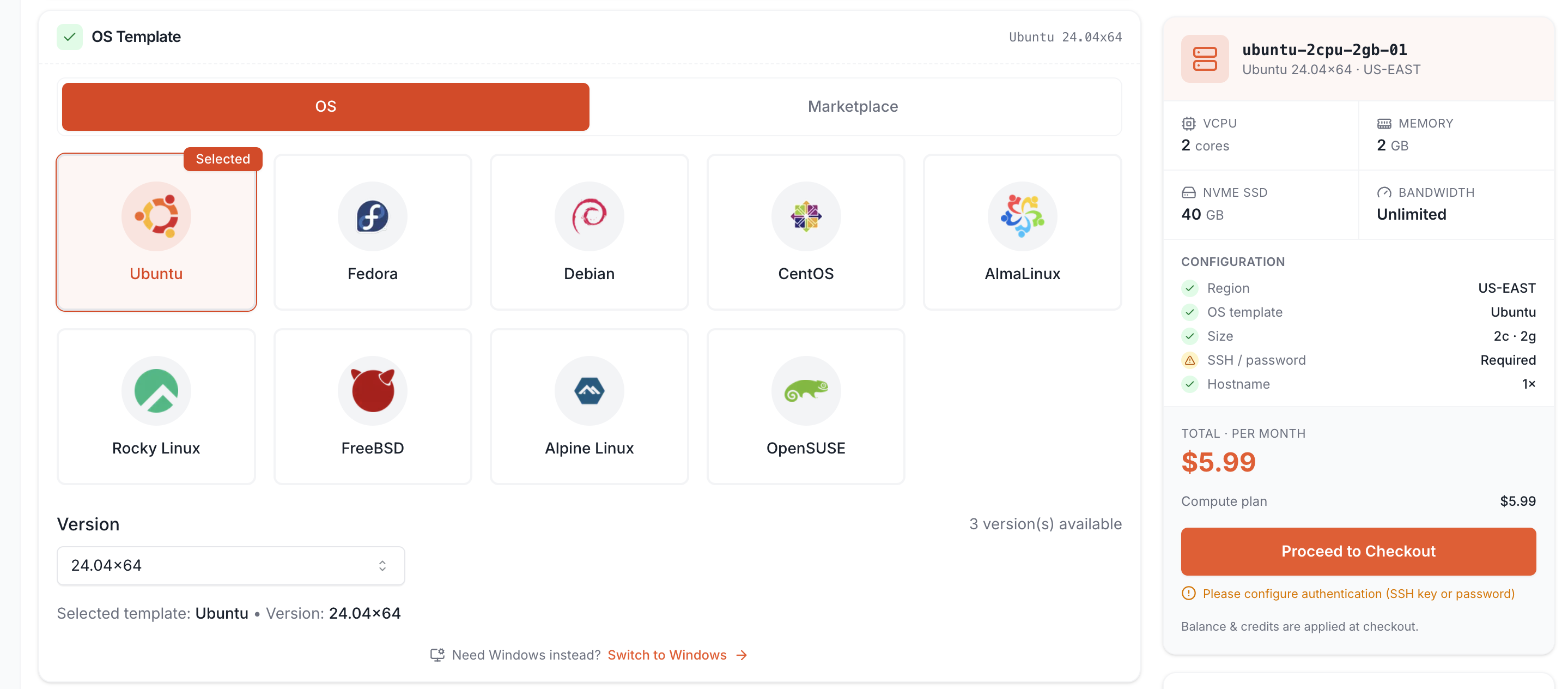
A 2 vCPU / 2 GB VM fits one focused lightweight workload
A 2 vCPU / 2 GB VM is a starting shape, not a universal production tier.
It is strongest when the machine has one primary responsibility and the supporting services remain modest. Typical examples include a small website or reverse proxy, a lightweight API, a development or test server, a low-traffic internal tool, an early application backend, or one small containerized service.
The same configuration becomes a weaker fit when several memory-active services share the host. A reverse proxy, application runtime, PostgreSQL, Redis, two workers, monitoring, and a deployment process may each look small alone while their combined working set leaves too little operating headroom.
Project labels are weak sizing inputs. "MVP," "production," and "Docker" do not tell you enough. The useful inputs are the active processes, concurrency, working set, storage growth, and the cost of a slowdown or restart.
A production service can remain on 2 vCPU / 2 GB if it meets its latency and reliability requirements. A development machine can need more resources if builds, tests, containers, or local databases create sustained pressure.
Websites, APIs, development, and small services are the strongest fits
Small web workloads are usually the cleanest fit because they can keep the runtime footprint narrow.
A static site, documentation site, landing page, portfolio, small company site, or lightweight dynamic application can fit well when traffic and database activity remain modest. A compact Node.js, Python, Go, PHP, Ruby, or .NET service can also fit when request concurrency is controlled and the application does not keep a large working set in memory.
Development and staging environments are another strong fit for package testing, deployment validation, Linux learning, QA, and temporary demos. The main exception is performance testing: a smaller staging VM can validate functionality, but it cannot prove production capacity.
An early MVP can also start small when the workload is simple and the team has a resize path. The key is to revisit sizing when the project gains more users, customer data, background jobs, or stricter uptime expectations.
Starting small is useful only when resizing is planned. Staying small after the workload changes is not cost optimization.
Containers and databases need more caution on 2 GB RAM
Docker does not make a workload lightweight. It packages processes that still consume the host's CPU, memory, disk, and network capacity.
A 2 GB host can be reasonable for one small application container, a reverse proxy plus one lightweight app, or a disposable Compose environment. It becomes harder to justify when the same VM runs an application, database, cache, queue, workers, monitoring, and other long-lived services.
Container limits can reduce the chance that one process consumes the whole host, but they do not create additional RAM. Measure the combined peak rather than the idle footprint. Deployments, image pulls, imports, backups, and temporary overlap between old and new containers can create pressure even when steady state looks healthy.
Databases need similar caution. A small PostgreSQL, MySQL, or MariaDB instance can run on 2 GB for development, testing, or a very small application. Production databases use memory for buffers, caches, connections, query operations, and maintenance. If the app and database share one 2 GB VM, the available working set can disappear quickly.
Do not assume the first database upgrade should always be more RAM. Slow queries can also come from indexes, locks, storage waits, or application behavior. Use Cloud Server Performance Bottlenecks before resizing when the cause is unclear.
The decision framework separates memory, CPU, and architecture limits
Use this framework when deciding whether the current 2 vCPU / 2 GB VM still fits.
| Evidence | Better first decision | Why |
|---|---|---|
| CPU and memory both have comfortable headroom | Stay on the current VM | No measured constraint justifies a resize |
| Available memory falls, swap persists, or OOM events appear | Add RAM or reduce memory demand | Memory is the active constraint |
| CPU pressure aligns with latency, queue growth, or longer jobs | Add vCPU or reduce CPU work | Compute is the active constraint |
| App and database repeatedly compete for resources | Add capacity or separate roles | One host may no longer be the right boundary |
| Disk capacity is running out | Clean up or change storage design | CPU and RAM do not solve storage growth |
| High I/O latency controls the workload | Diagnose storage and application I/O | A larger VM may not fix the wait path |
| One container or process grows without stabilizing | Fix limits, leak, or configuration | More capacity can hide the root cause |
| Several services each need independent scaling or recovery | Separate services | Architecture matters more than a larger single VM |
The strongest upgrade signal is pressure plus workload impact. A memory graph at a fixed percentage is not enough because Linux can use otherwise idle RAM for useful filesystem cache. Likewise, a brief CPU spike during deployment does not prove that more vCPU is required.
For memory-specific sizing, use How Much RAM Do I Need for a VPS?. For the narrower CPU decision, use 2 vCPU vs 4 vCPU Cloud VMs.
Upgrade signals come from pressure plus workload impact
A small VM should be resized when normal workload behavior repeatedly creates a constraint that affects users, jobs, deployments, or stability.
Memory-related signals include low available memory during normal peaks, sustained swap activity, OOM events, container or process restarts, database latency rising with memory pressure, and deployment or backup activity repeatedly destabilizing the host.
Avoid a universal rule such as "upgrade at 80% RAM." High memory utilization can be healthy, while lower utilization can still hide a leak or an application-specific limit.
More vCPU becomes defensible when sustained CPU pressure repeatedly aligns with rising p95 or p99 latency, growing worker backlog, slower builds, or CPU-active background jobs competing with user traffic. If only one thread is busy, or the request spends most of its time waiting on a database or external API, more vCPU may change little.
Logs, Docker images, uploads, database files, and package caches can quietly consume a 40 GB disk. Monitor free space and growth rate before capacity becomes urgent.
A resize is also not the only answer. If the application, database, and workers have developed different performance or recovery needs, moving one role to another VM can be cleaner than continuously enlarging one server.
Using Raff for This Sizing Decision
Use the live Raff VM and pricing pages to map the sizing decision to current VM classes, resource shapes, and commercial terms. Keep the workload decision separate from a static plan table: prices and available configurations can change, while the CPU, memory, storage, and workload evidence in this guide remains applicable.
Best practices keep a small VM stable longer
Keep one clear primary workload. A 2 GB VM lasts longer when every added service has a reason to share the host.
Measure available memory and swap, not only percentage used. On Linux, available memory, swap behavior, OOM events, process growth, and application latency provide a better picture than one utilization percentage.
Control logs and local file growth. Set log rotation, review Docker image and layer growth, expire temporary artifacts, and move suitable uploads or archives to a storage layer designed for them.
Give deployments operating headroom. A server that is stable only while idle can fail during package updates, image pulls, migrations, or backups.
Change one resource for one measured reason: add RAM for memory pressure, add vCPU for compute pressure, increase or separate storage for capacity and I/O needs, and separate services when independent scaling or recovery becomes the real requirement.
A 2 vCPU / 2 GB VM is a measured starting point
A 2 vCPU / 2 GB cloud VM fits small websites, focused APIs, development environments, early MVPs, and other lightweight services when the combined working set and compute demand stay modest.
The safest approach is to start with one clear workload, watch CPU, available memory, swap, storage growth, application latency, and job behavior, then change the resource that matches the measured constraint. If several services begin competing or need different recovery paths, the next step may be separation rather than a larger single VM.
For broader sizing, continue with VM Sizing: How to Choose the Right Size for Your Workload. For current configurations, compare Raff General Purpose VM Plans.