
Software supply chain security protects the path from source code to the software running in production. For a small team, that path includes source control, third-party dependencies, CI/CD workflows, build systems, container images, secrets, deployment credentials, and the cloud servers that finally run the application.
The practical goal is not to eliminate every third-party dependency or add enterprise process to every commit. It is to know what can change production, what evidence proves an artifact came from the expected source, which credentials can reach the environment, and how quickly the team can contain a compromised component or deployment path.
Raff Technologies can provide Linux or Windows cloud VMs, private networking, and recovery building blocks. Those infrastructure boundaries help separate development, staging, and production, but software supply chain security remains a shared engineering responsibility: your team still controls source, dependencies, pipelines, secrets, images, and release policy.
Software supply chain security: quick framework
Use this sequence for a small production team:
- Map the path to production. Identify repositories, dependencies, CI/CD, registries, credentials, and deployment targets.
- Reduce who and what can change releases. Protect branches, review workflows, use least privilege, and separate test from production credentials.
- Control dependencies and build inputs. Use lockfiles, trusted registries, review significant updates, and track what is shipped.
- Create evidence. Generate an SBOM where useful and preserve build provenance or attestations for important artifacts.
- Verify before deployment. Confirm the artifact, image, or package is the expected version from the expected build path.
- Isolate environments. Development and staging should not automatically inherit production secrets or administrator access.
- Prepare containment. Know how to revoke credentials, block a bad artifact, restore a known-good release, and rebuild affected servers.
A useful test is simple:
If one dependency, CI workflow, maintainer account, build runner, or deployment credential were compromised today, how far could the attacker move before another control stopped them?
What is the software supply chain?
The software supply chain is every system and dependency involved in creating, building, distributing, and deploying software.
A typical small-team path looks like this:
Developer workstation
→ source repository
→ pull request and review
→ dependency/package sources
→ CI workflow
→ build runner
→ artifact or container registry
→ deployment credential
→ staging
→ production cloud server
Each arrow is a trust boundary.
A vulnerability in application code is one risk. A compromised package maintainer, malicious build step, leaked registry credential, mutable CI action, or stolen deployment token can bypass otherwise good server hardening.
That is why cloud server security starts before code reaches the server.
Where software supply chain attacks happen
A software supply chain attack targets a trusted path instead of attacking the final server directly.
| Attack surface | Example failure | Production impact |
|---|---|---|
| Source control | Stolen developer or maintainer account | Unauthorized code or workflow change |
| Dependencies | Malicious or compromised package | Attacker code enters the build |
| Build process | Tampered runner or build step | Artifact differs from reviewed source |
| CI/CD workflow | Over-permissioned or modified pipeline | Secrets stolen or malicious release deployed |
| Artifact registry | Image/tag replaced or overwritten | Wrong artifact reaches production |
| Secrets | Long-lived token exposed | Direct access to repository, registry, or server |
| Deployment path | Shared SSH key or broad API credential | Production can be changed outside review |
| Developer tooling | Compromised extension or workstation | Source, tokens, or credentials stolen |
The important question is not only “is the server patched?” It is which trusted systems can produce or deploy what the server executes?
Start with a production-path inventory
Before buying tools, document the actual path to production.
For each production workload, record:
| Area | Questions to answer |
|---|---|
| Repository | Which repo and branches can produce production code? |
| Review | Who can approve and merge? |
| Dependencies | Which package ecosystems and registries are trusted? |
| CI/CD | Which workflows can access production secrets or deploy? |
| Runner | Hosted, self-hosted, ephemeral, or long-lived? |
| Artifact | Package, binary, VM image, or container image? |
| Registry | Where is the artifact stored and who can push? |
| Credentials | Which secrets or identity tokens can deploy? |
| Target | Which Linux/Windows VMs, cluster, or service receives the release? |
| Recovery | How do you return to a known-good release? |
This inventory often reveals risks faster than another generic security scanner.
Dependency security: control what enters the build
Modern applications depend on open-source and third-party packages. The goal is not to remove dependencies; it is to reduce uncontrolled change and unknown provenance.
Common dependency risks include:
- typosquatting and dependency confusion;
- compromised maintainer accounts;
- malicious package releases;
- vulnerable versions;
- abandoned components;
- install scripts that execute code;
- transitive dependencies the team never selected directly.
A practical small-team baseline:
Use lockfiles
Commit the appropriate lockfile for the ecosystem so installs resolve to known versions instead of silently changing between builds.
Review high-impact dependency changes
Treat a new authentication library, build plugin, database driver, package-manager script, or production-critical framework differently from a small development-only utility.
Remove unused packages
Every dependency increases maintenance and review surface. If the application no longer uses it, remove it.
Prefer trusted package sources
Use the official ecosystem registry or an intentionally controlled internal proxy/mirror. Avoid adding random package sources to solve one build problem.
Separate development and production dependencies
Test tooling should not automatically become part of the production artifact.
Dependency scanning can help identify known vulnerabilities, but it does not prove a package is trustworthy. Vulnerability data and supply chain trust answer different questions.
Software Bill of Materials (SBOM): what it solves
A Software Bill of Materials (SBOM) is an inventory of software components associated with a software product or artifact.
CISA's current SBOM guidance emphasizes structured component data that can support automation and software transparency at scale. An SBOM can help a team answer:
- Which component versions are inside this release?
- Are we affected by a newly disclosed vulnerability?
- Which products or environments include the affected component?
- Did this release contain the dependency we expected?
An SBOM is most useful when it corresponds to the artifact that actually shipped.
For a small team, start where the operational value is clear:
- customer-facing releases;
- security-sensitive products;
- enterprise customer requirements;
- container images distributed across environments;
- applications with large dependency trees.
Do not treat “we generated an SBOM” as proof that the software is safe. An SBOM improves visibility; it does not automatically validate source integrity, build integrity, or vulnerability remediation.
Build provenance and SLSA
A secure build should answer more than “the pipeline passed.” It should provide evidence about where the artifact came from and how it was built.
SLSA (Supply-chain Levels for Software Artifacts) is an industry specification for incrementally improving software supply chain security. The current SLSA v1.2 specification includes Build and Source tracks. Its build model uses provenance—verifiable information describing how an artifact was produced and which source/input material was involved.
A useful small-team progression is:
| Maturity | Practical goal |
|---|---|
| Basic | Builds are repeatable and tied to reviewed source |
| Better | The build emits provenance/attestation for the artifact |
| Stronger | Provenance is signed or otherwise protected from tampering |
| Advanced | Build infrastructure itself is hardened and verification policy is enforced |
You do not need to chase a framework level simply for the label. Use the SLSA model to improve traceability and make artifact verification possible.
CI/CD security: treat the pipeline as production infrastructure
A workflow that can deploy to production is privileged infrastructure.
It may be able to:
- read secrets;
- create releases;
- push container images;
- connect to production servers;
- modify cloud resources;
- run database migrations;
- change DNS or configuration.
That means CI/CD security should focus on permissions, trust boundaries, and untrusted input.
Give each workflow minimum permissions
A test workflow does not need production deploy rights. A documentation build does not need write access to infrastructure. A dependency update job should not automatically receive every environment secret.
For GitHub Actions, GitHub's current security guidance recommends explicitly limiting GITHUB_TOKEN permissions rather than assuming broad defaults are appropriate.
Pin third-party actions when possible
GitHub's secure-use guidance states that pinning an action to a full-length commit SHA is the way to use that action as an immutable release. Tags are convenient, but tags can move.
For security-sensitive workflows, review third-party action code and pin the exact version you intend to trust.
Restrict who can change workflow files
A pull request that changes application code and a pull request that changes the deployment pipeline do not carry the same risk.
Use branch protection, required review, and CODEOWNERS or equivalent ownership rules where appropriate so pipeline changes receive deliberate review.
Be careful with untrusted pull requests
Do not let untrusted contributions execute with production secrets or highly privileged workflow tokens. The CI event model matters as much as the code being tested.
Prefer short-lived deployment identity over long-lived secrets
Long-lived cloud or deployment credentials are valuable to attackers because they can continue working after the CI job ends.
Where supported, use federated or short-lived identity instead of storing a permanent cloud access key in CI.
For example, GitHub Actions supports OpenID Connect (OIDC) so workflows can request short-lived identity tokens and exchange them with supported cloud providers. GitHub recommends configuring trust conditions so only intended repositories, branches, tags, or environments receive cloud access.
Even when OIDC is not available, reduce secret risk by:
- scoping credentials to one environment;
- using separate deploy credentials per production system;
- rotating credentials after exposure or staff changes;
- removing old keys and tokens;
- keeping secrets out of source, images, screenshots, and logs.
A production deploy credential should not also be the team's universal administrator credential.
Container image security
Containers add another software supply chain boundary: the image.
A secure container workflow should answer:
- Which base image did we use?
- Who produced the final image?
- Which dependency versions are inside it?
- Where is the image stored?
- Can the tag be changed after review?
- Do we verify the digest or attestation before deployment?
- Are registry credentials scoped appropriately?
Prefer images from sources you intentionally trust, use specific versions or immutable digests where the workflow supports them, and rebuild regularly enough to incorporate security fixes.
Do not expose production credentials during image build. Secrets copied into an image layer can remain recoverable even after the Dockerfile line that created them is changed.
For persistent workloads, remember that image security and data recovery are separate concerns. A known-good image does not replace backups of databases, uploads, or other state.
Artifact verification: deploy what you reviewed
The release process should establish a chain of confidence:
Reviewed source
→ controlled build
→ identifiable artifact
→ protected registry
→ verified deployment
A useful artifact policy may include:
- immutable version or digest;
- build identifier;
- source commit reference;
- SBOM;
- provenance/attestation;
- signature or verification metadata where the toolchain supports it;
- controlled registry permissions.
The exact tool is less important than the outcome: production should not run an artifact simply because a mutable tag happens to have the expected name.
Secrets are the bridge between the supply chain and the server
Secrets are often the shortest path from development systems to infrastructure.
High-risk examples include:
- SSH private keys;
- Windows administrator credentials;
- cloud API tokens;
- registry credentials;
- database passwords;
- Git provider tokens;
- deployment webhook secrets.
Good secret boundaries are environment-specific.
Development should not automatically unlock production. Staging should not use the production database password. A CI deploy identity should be able to perform the deployment—not every administrative action available in the account.
If the same secret is embedded in laptops, CI, cron jobs, and manual deployment scripts, rotation becomes difficult exactly when you need it most.
SSH and direct server access
Direct server access remains part of the supply chain when developers or automation can bypass normal release controls.
A safer model uses:
- individual SSH keys instead of one shared private key;
- named Windows administrator accounts where practical;
- offboarding when a person leaves or changes role;
- separate credentials for humans and automation;
- restricted administrative network paths;
- logs that show who performed important actions;
- an emergency-access path separate from everyday deployment.
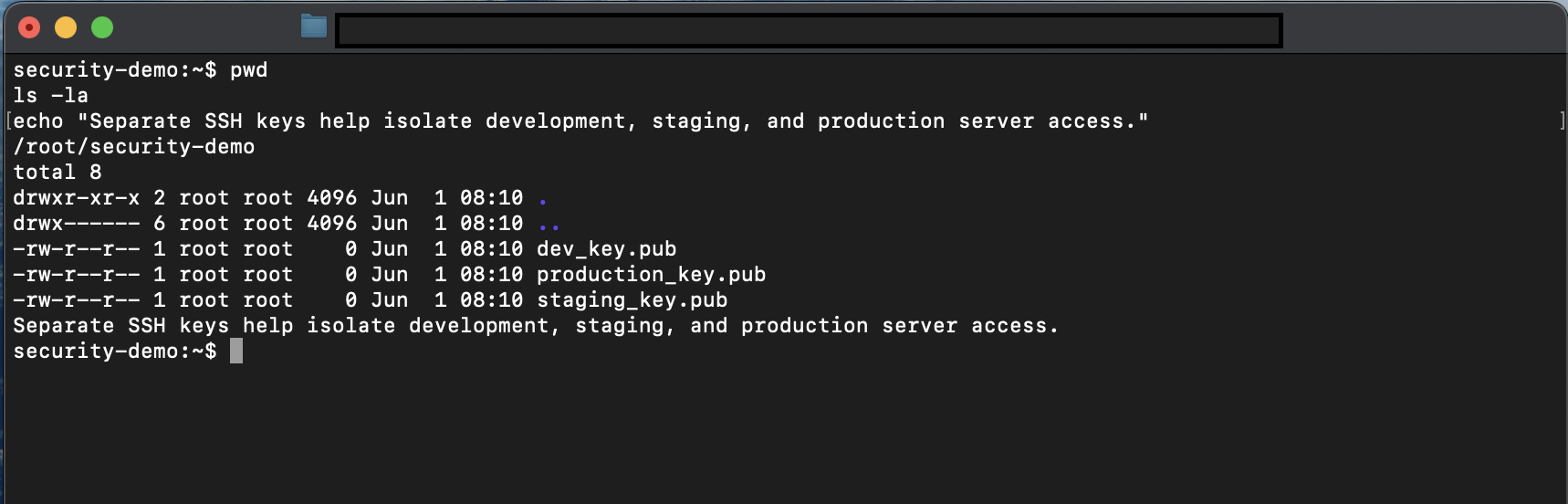
The strongest deployment workflow loses value if anyone can quietly SSH to production and replace the artifact by hand without review.
That does not mean manual access must disappear. It means direct access should be intentional, attributable, and exceptional enough that the team notices when it is used.
Separate development, staging, and production
Environment separation limits blast radius.
| Environment | What it should contain | What it should not inherit automatically |
|---|---|---|
| Development | Test data, developer tooling, experimental builds | Production credentials and production database access |
| Staging | Production-like configuration and release candidate | Broad production administration rights |
| Production | Approved artifact, restricted secrets, monitored workload | Experimental tools and unreviewed changes |
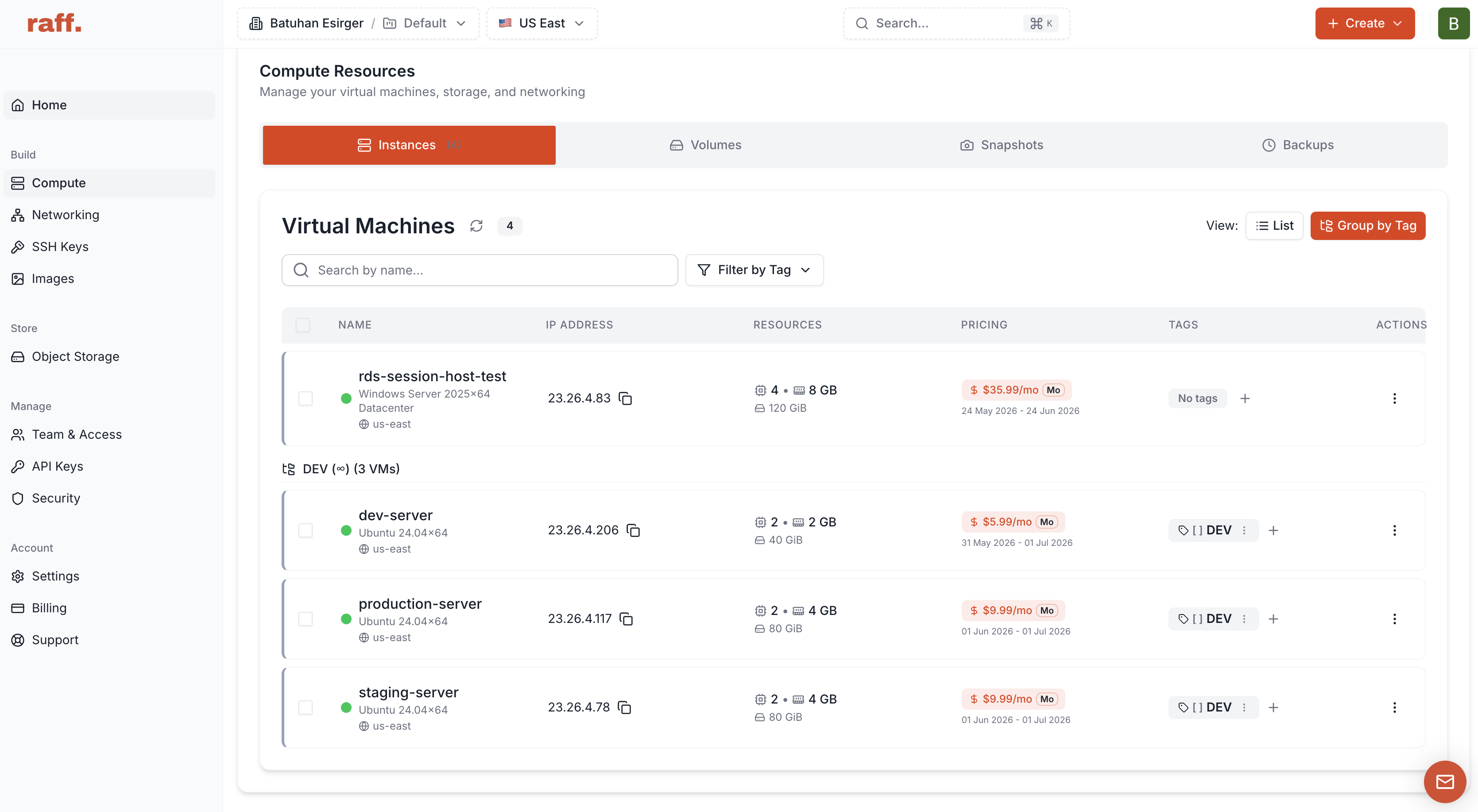
For small teams, separate VMs can be an understandable boundary: one compromised development environment does not have to imply immediate production access.
Private networking can also reduce unnecessary public exposure when services communicate internally. Use Raff VPC for current private-networking capabilities.
AI coding agents need the same boundaries
AI-assisted coding changes development speed, not the security model.
An agent that can edit files, run commands, install dependencies, or modify workflow configuration should be treated like any other powerful development tool.
Safer patterns include:
- work in development or ephemeral environments;
- keep production secrets out of the workspace;
- require review for CI/CD and infrastructure changes;
- review dependency additions;
- restrict direct production administration;
- validate generated commands before destructive execution;
- keep production deployment as a controlled release step.
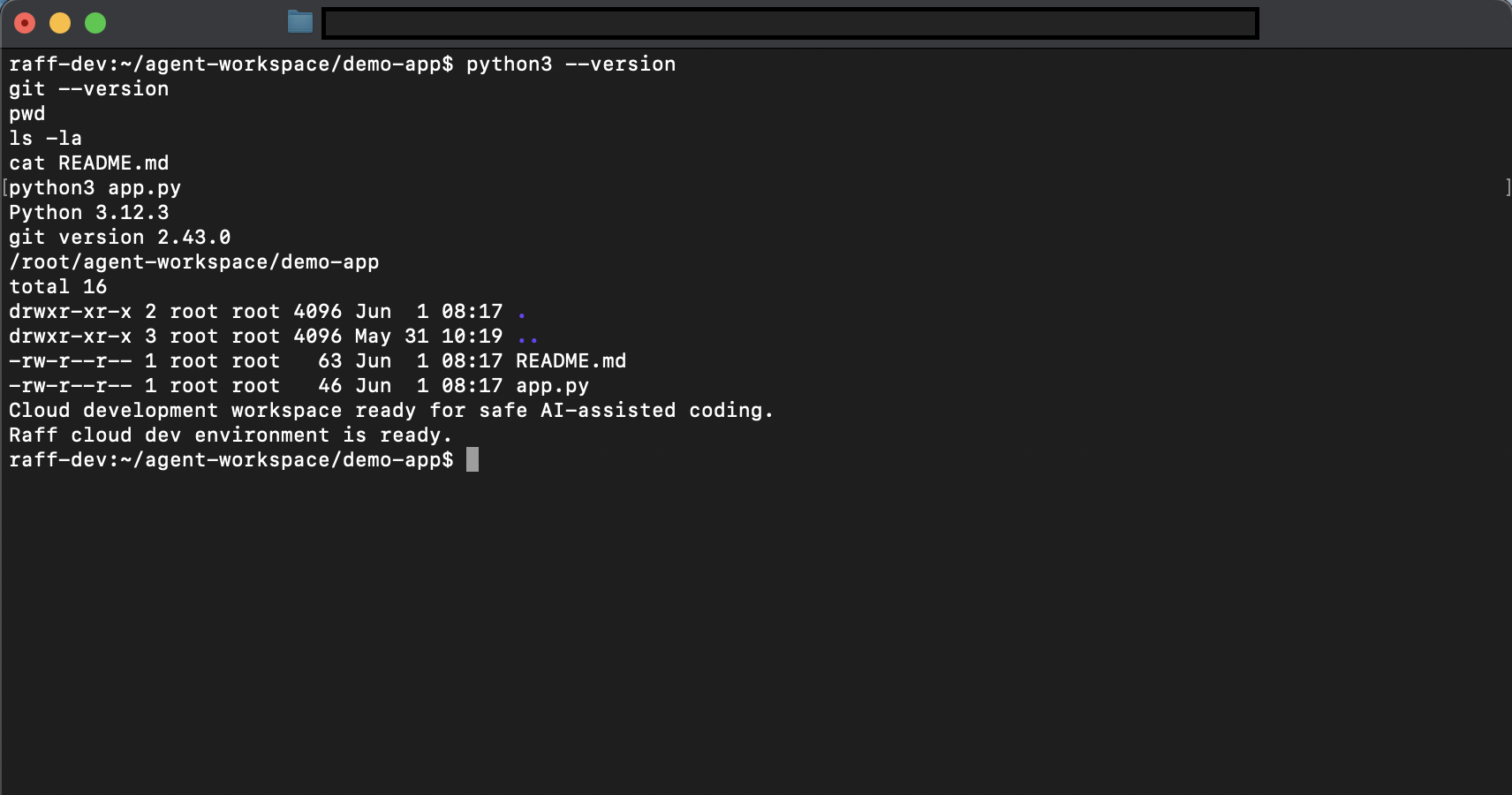
See AI Coding Agents and Cloud Dev Environments for the environment-design side of that workflow.
What NIST SSDF adds to the model
NIST's Secure Software Development Framework (SSDF) provides a high-level set of practices that organizations can integrate into their existing software development lifecycle.
For a small team, the useful idea is not adopting another heavyweight process. It is making secure development activities repeatable across four broad concerns:
- prepare the organization;
- protect software from tampering;
- produce well-secured software;
- respond to vulnerabilities.
NIST published SSDF v1.1 as the current final version and released SSDF v1.2 as a draft revision in December 2025. Use the final framework for stable requirements and track the draft when planning future process changes.
Supply chain incident response
A compromised dependency or build credential requires a different response from a normal application bug.
Your response runbook should be able to answer:
- What artifact is affected?
- Which source commit and build produced it?
- Where was it deployed?
- Which credentials might have been exposed?
- Can the compromised component still publish or deploy?
- Which known-good version can replace it?
- Do we need to rebuild servers, rotate secrets, or restore data?
- What customer or regulatory communication is required?
Immediate containment may include:
- disable or rotate compromised credentials;
- block the affected package/image/artifact;
- suspend the unsafe workflow;
- restrict registry push access;
- redeploy a known-good artifact;
- rebuild hosts if their integrity is uncertain;
- increase monitoring for abuse of exposed credentials.
Use Incident Response Plan for Small Teams and Cloud Runbooks for Small Teams to define ownership and recovery before an incident.
Small-team software supply chain checklist
Source control
- Production branches have controlled merge rights.
- Important repository and workflow changes require review.
- Former team members and contractors are removed promptly.
- MFA/strong account security is enabled where supported.
Dependencies
- Lockfiles are committed where the ecosystem supports them.
- New production dependencies receive review.
- Unused dependencies are removed.
- Vulnerability/dependency alerts have an owner.
CI/CD
- Workflow permissions use least privilege.
- Test workflows do not receive production secrets unnecessarily.
- Third-party actions/workflows are reviewed and pinned appropriately.
- Self-hosted runners do not become permanent unreviewed production backdoors.
Artifacts
- Production deploys a specific artifact version/digest.
- Registry push permissions are limited.
- SBOM or component inventory exists where operationally useful.
- Build provenance/attestation is preserved for important releases.
Secrets and access
- Development credentials cannot administer production.
- Human and machine identities are separate where practical.
- Long-lived deployment secrets are minimized.
- Rotation/revocation steps are documented.
- Shared SSH keys or administrator credentials are avoided.
Production and recovery
- Staging and production are separated appropriately.
- Public exposure is limited to required services.
- A known-good artifact can be redeployed quickly.
- Backups/recovery protect persistent data separately from application artifacts.
- Supply chain incidents have an owner and containment path.
How Raff fits this security model
Raff's role is the runtime and infrastructure boundary, not the software supply chain itself.
Teams can use Raff cloud infrastructure to separate environments and design recovery paths:
| Need | Raff building block |
|---|---|
| Linux application or build/test environment | Linux VM |
| General cloud compute | Raff VM |
| Private service communication | VPC |
| VM-level recovery planning | Data Protection |
A practical pattern is to keep development and staging separate from production, deploy only approved artifacts to production, keep internal service paths private where appropriate, and maintain an independent recovery path for data and servers.
Raff does not automatically secure your packages, Git repositories, CI workflow, application secrets, or container registry. Those remain part of the engineering controls described in this guide.