In short
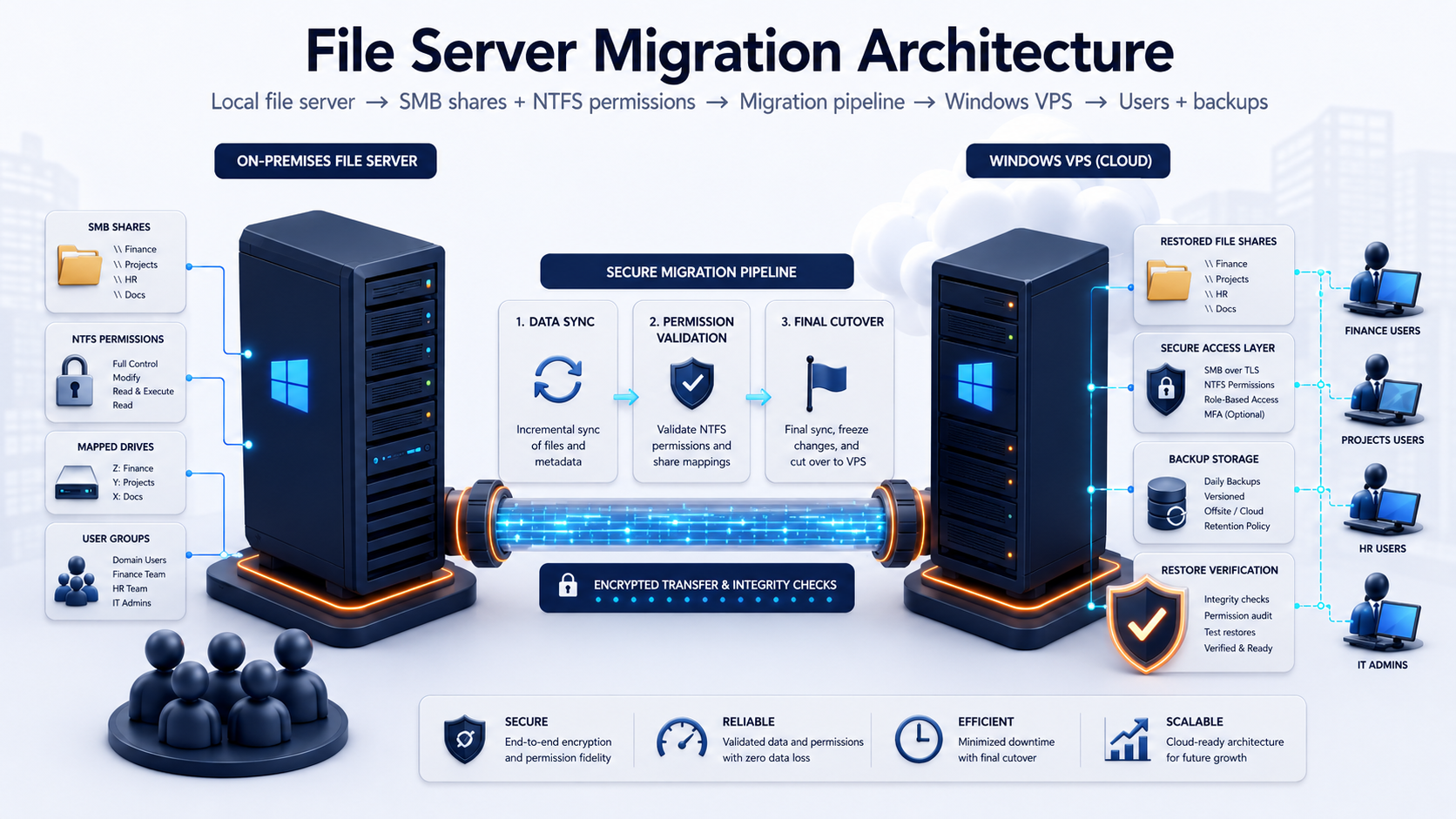
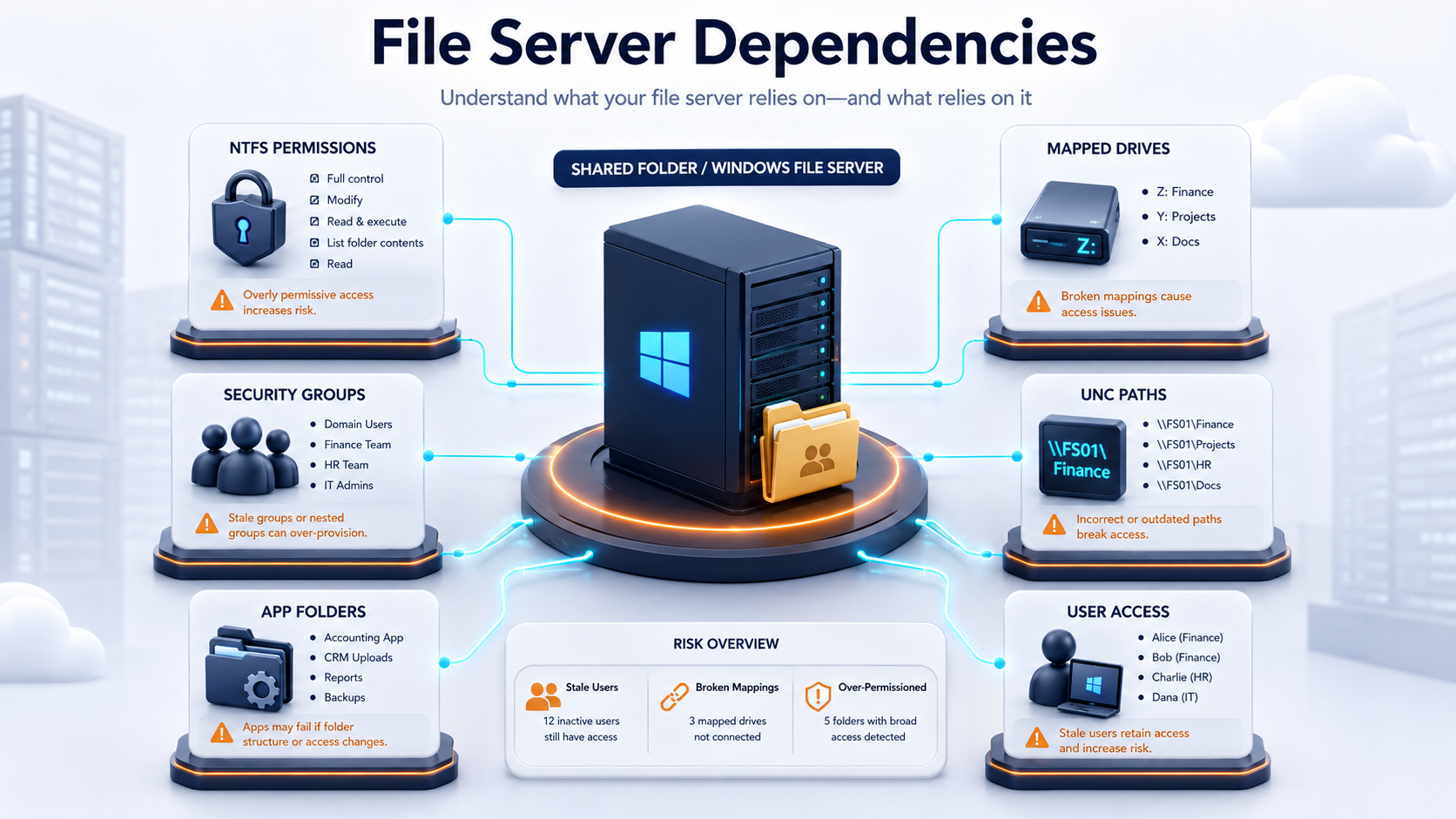
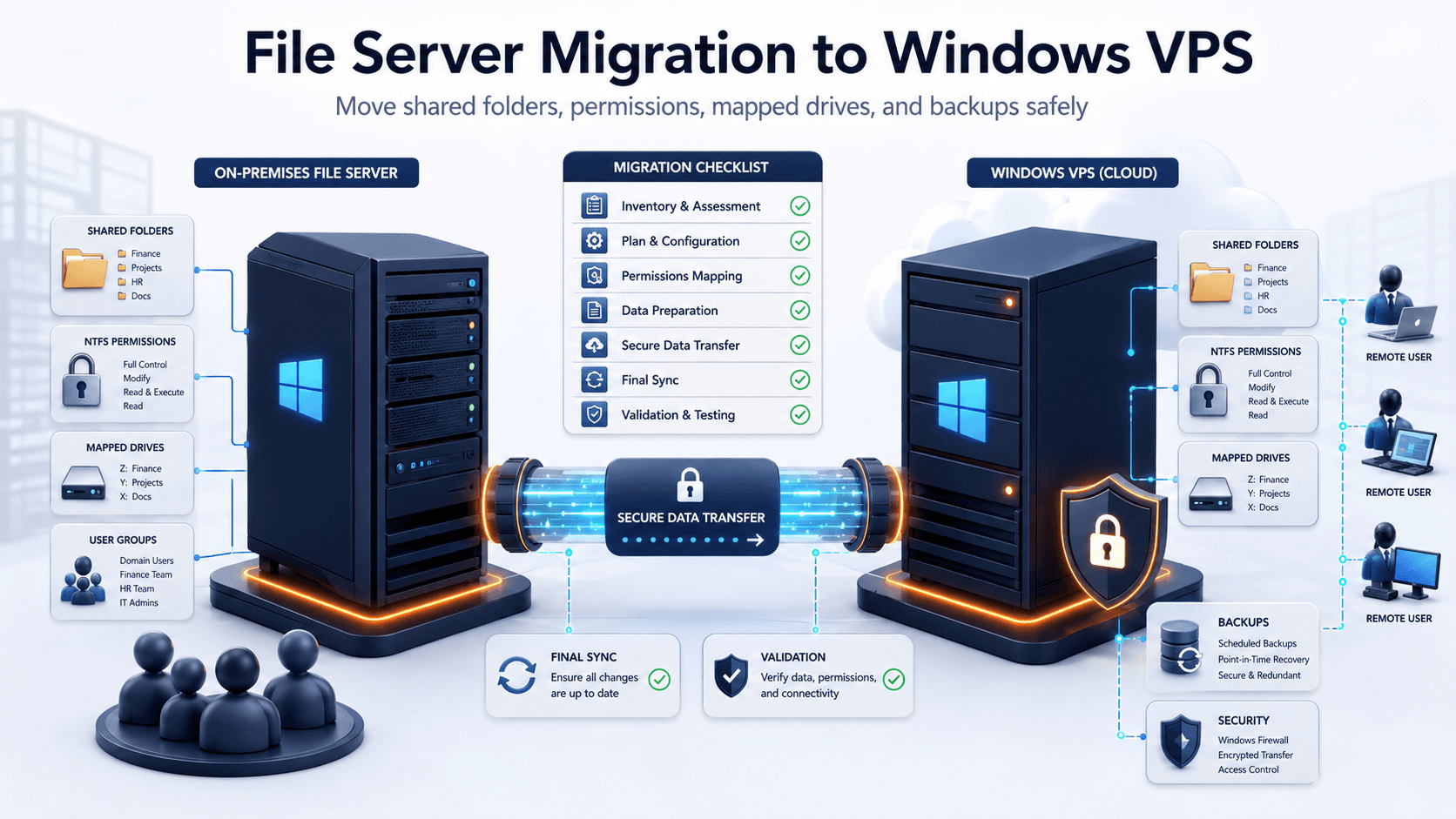
A file server migration to Windows VPS is not just a folder copy. A reliable migration has to preserve or deliberately redesign SMB shares, NTFS permissions, local users and groups, mapped drives, UNC paths, application dependencies, backups, and the cutover path users will follow after the move.
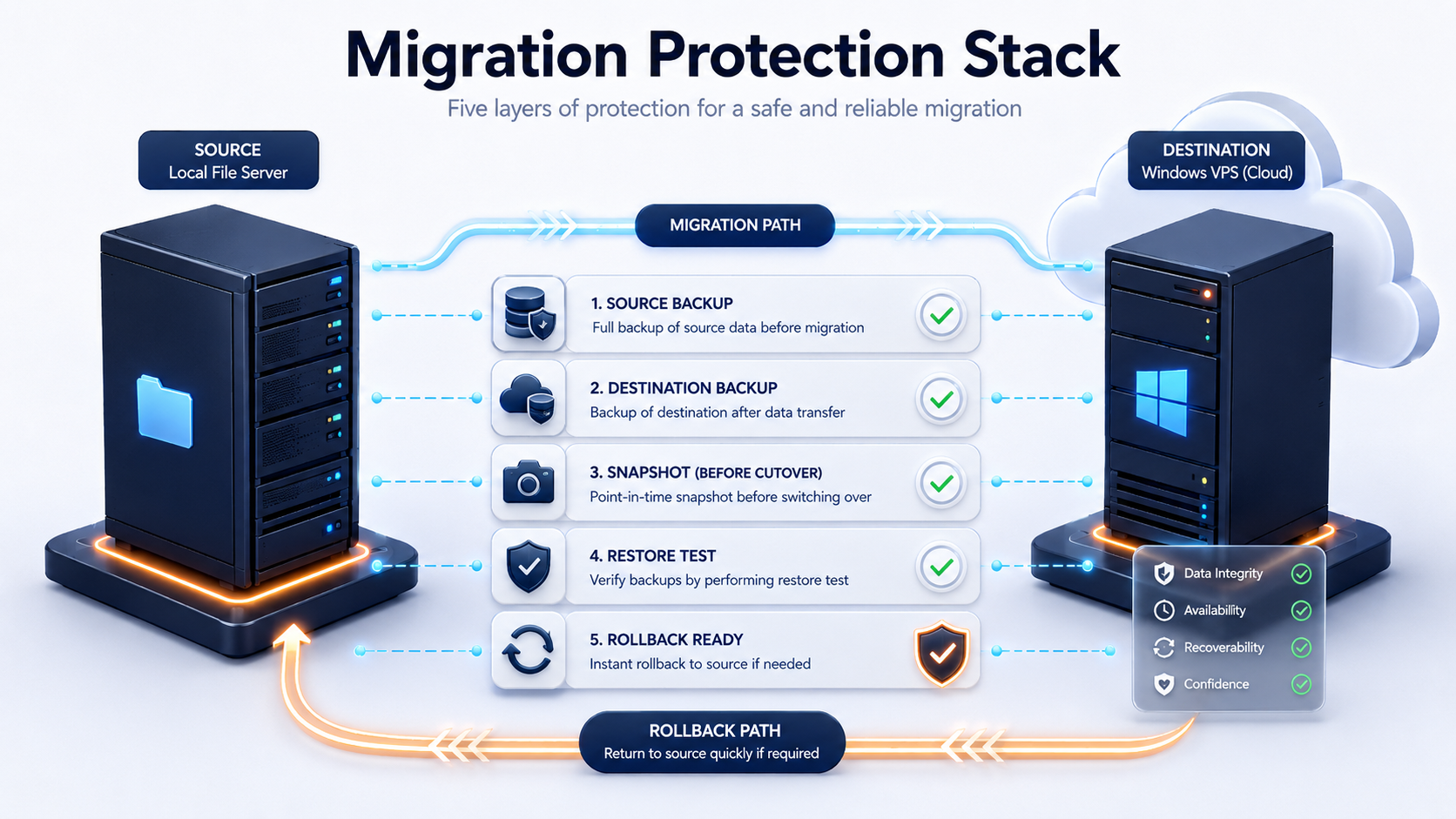
Raff Technologies can provide the Windows VM infrastructure for the destination. The migration owner still needs to choose the transfer method, validate permissions and file integrity, decide whether server identity should move, secure remote access, test the real user workflow, and keep rollback available until the new file server is accepted.
For Windows Server-to-Windows Server projects in 2026, Microsoft's Storage Migration Service (SMS) is the primary Windows-native migration workflow to evaluate. It supports current Windows Server destinations and can inventory a source server, transfer data and configuration, and perform a cutover that moves the source server identity to the destination when the network and domain design allow it. For simpler or more manual migrations, Robocopy remains useful, but switches such as /MIR must be handled carefully because mirroring can remove files from the destination.
Quick decision: which file server migration method fits?
| Situation | Recommended direction | Why |
|---|---|---|
| Windows Server to Windows Server with many shares | Storage Migration Service | Inventories data and can preserve server configuration and identity |
| Old physical Windows file server to new Windows VM | Storage Migration Service or staged Robocopy | Both support side-by-side migration |
| Small server with a few shares | Robocopy + documented share recreation | Easier to control manually |
| Need to preserve server name / client paths | Storage Migration Service cutover if topology supports it | Can move source identity to destination |
| Destination is in another network/cloud subnet | Plan DNS/UNC-path cutover carefully | IP transfer may not fit the topology |
| Existing destination already has production files | Do not blindly mirror | Copy/mirror behavior can overwrite or remove destination content |
| Applications run on the old file server | Reinstall/test separately | Storage Migration Service does not migrate installed applications |
| Users depend on Previous Versions | Plan a separate retention/archive path | VSS history needs separate handling |
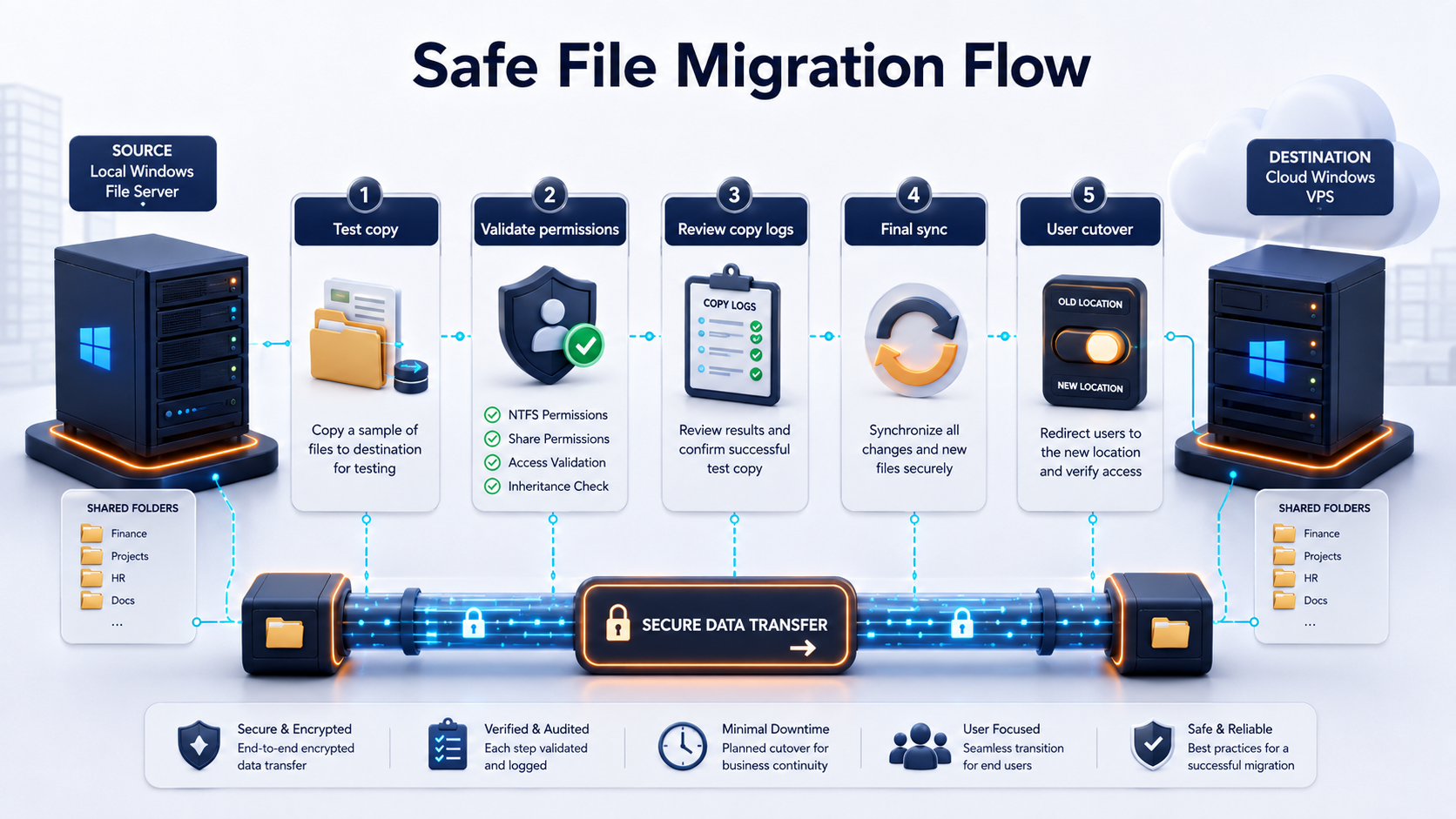
The safest default for most SMB migrations is inventory -> test transfer -> permission validation -> backup -> final sync -> controlled cutover -> user acceptance -> delayed source retirement.